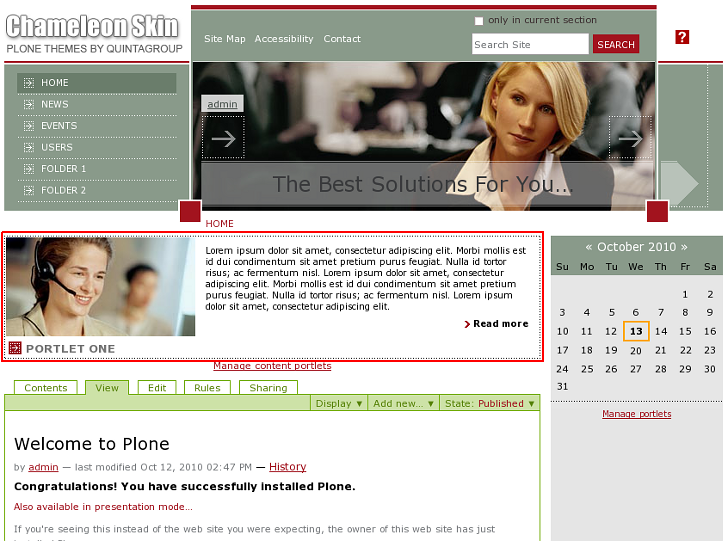
The following tutorial explains how to use Chameleon Theme additional portlet manager on a Plone 4 website. See instructions for other Plone versions in Adding content portlets in Plone 3 and Managing diazo Chameleon theme context portlets in Plone 4.1 tutorials.
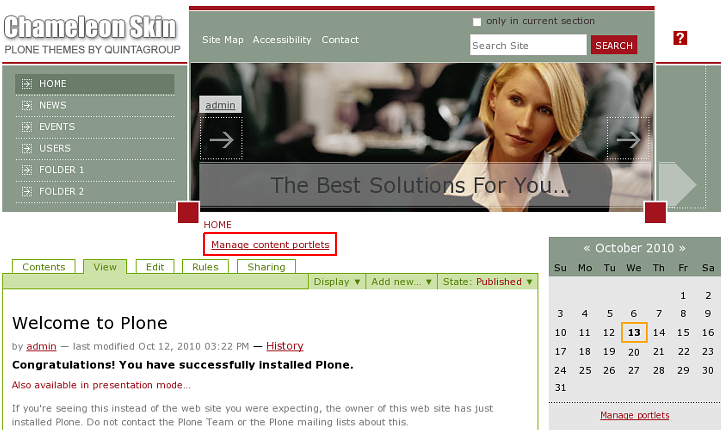
Chameleon Theme comes with additional portlet manager that allows to add portlets above the content column. You can add any type of portlets there. For this - follow Manage content porltets link above hte content area:
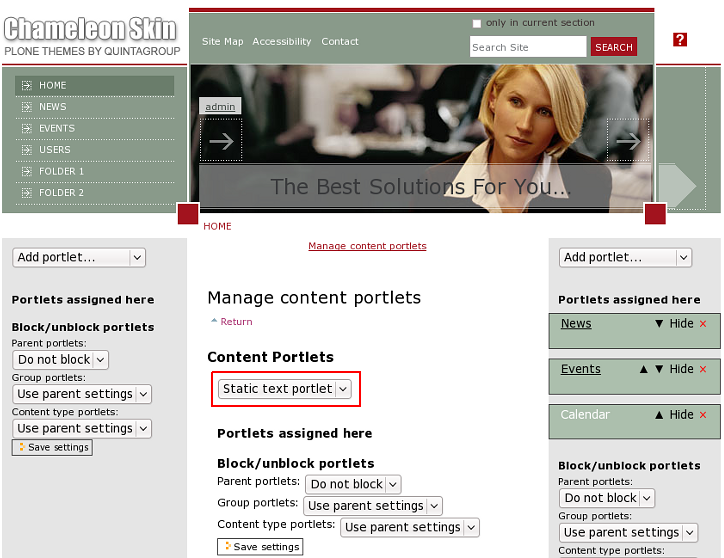
Here you can select any portlet from Add portlet dropdown. Let's add static text portlet as example:
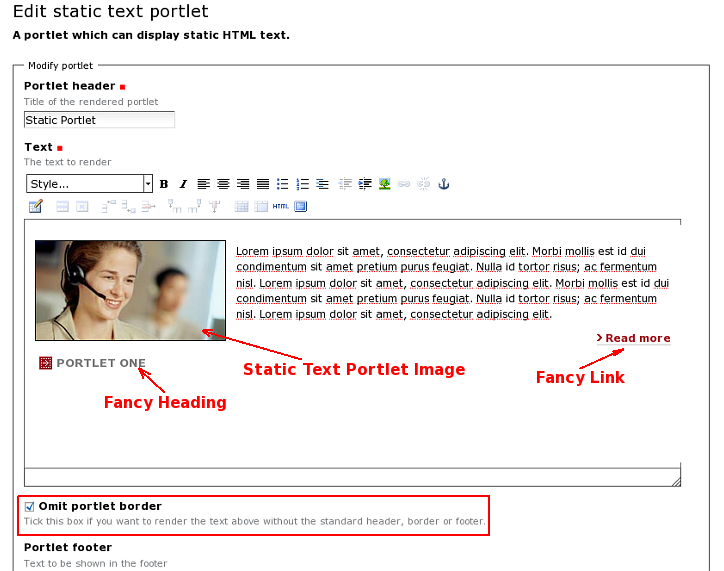
We have implemented special view for Static text portlet - to enable it use Styles menu on the editor toolbar:
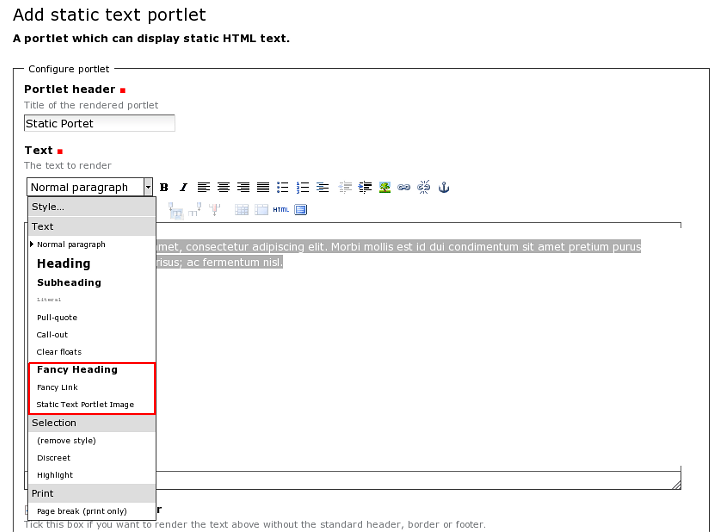
We added 3 styles: Fancy Heading, Fancy Link, Static Text Portlet Image that together with Omit portlet border property make static text porltet look like in the following screenshot:
Save the porltet and now it is displayed above the content area: