
The following tutorial explains how to edit Chameleon Theme slogan on a Plone 3 website. See more instructions for different Plone versions in How to edit diazo Chameleon Theme Slogan in Plone 4.1 and How to Edit Chameleon Slogan in Plone 4 tutorials.
Portal Slogan is displayed on all pages, independently of what folder you are in or how Chameleon Skin looks there. Slogan is the same on both the front page:
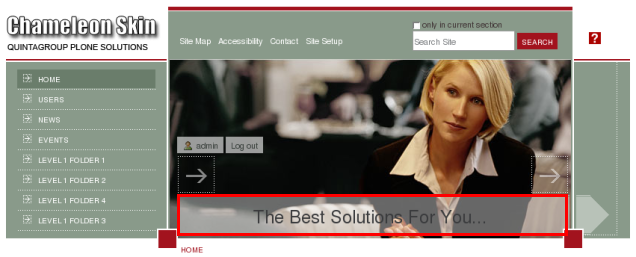
and on all inner pages:
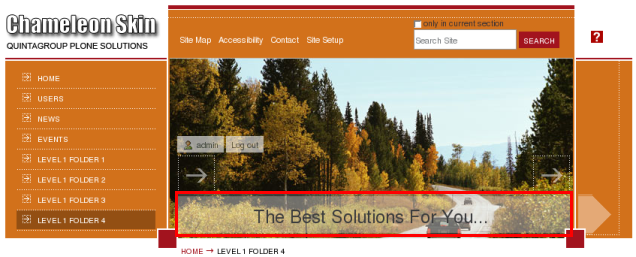
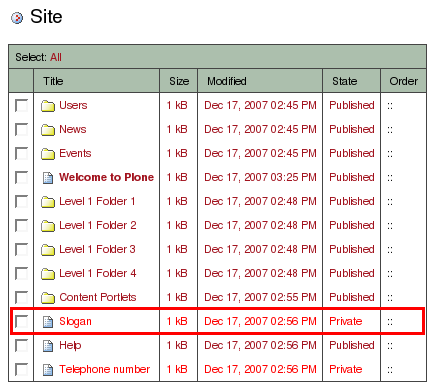
Slogan can be changed to your own. Anyway, it will be the same on all site pages. To change a slogan to your own - edit the document with /slogan shortname, that is in the root of the site:
Slogan should be typed in this document's description. Change the existing 'The Best Solution For You...' to your new slogan.
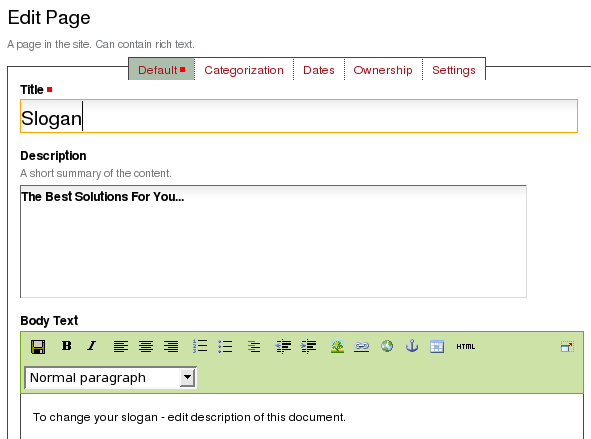
Save the changes.