
The following tutorial covers customization of Business4 diazo Plone Theme on a Plone 4.2.2 website.
Business4 is a fully responsive theme for Plone 4.2.2. This Plone tutorial consists of several parts, in which you will find explanations about how to customize Business4 Plone theme to your needs: change site's logo, theme colors, top images, and how to configure portlet columns width. Use navigation on the right to look through all tutorial sections.
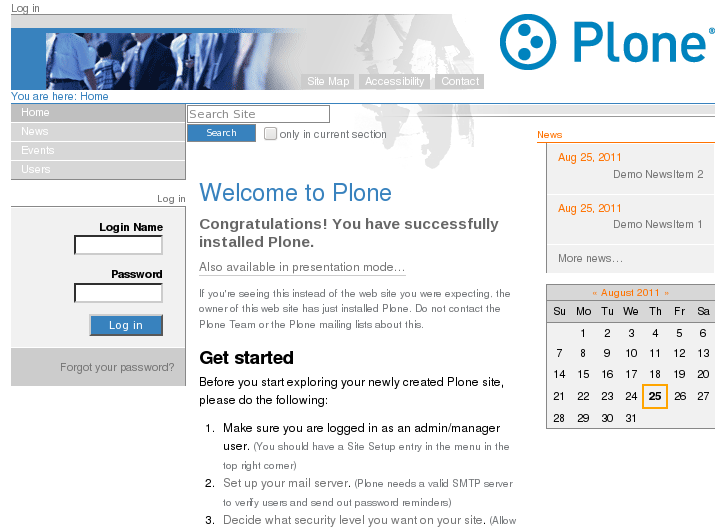
The home page of a website with Quintagroup's diazo Business4 Theme activated will have the following look.
Business4 diazo theme has site header image, search box, breadcrumbs, bullets designed in the same color scheme. It comes with 20 color schemes (with different top images) that allows changing subsection's look - for instructions see Part 1. How to Change Business4 diazo Plone Theme Color Scheme.