
The following tutorial shows how to set your own theme colors in Greenjet on a Plone 4.2 website.
GreenJet diazo theme has customizable colors, you can change default site colors via Site Setup -> Diazo Theme -> Advanced Settings tab.
Note: For Diazo Support extension starting with 1.1b1 version, proceed to Site Setup ->Theming -> Advanced Settings tab.
In Parameter expressions textarea fill in the desirable fields with valid css colors (e.g. #CDAA7D).
Here you can set new colors for site background area, top header, links, hover color, etc.
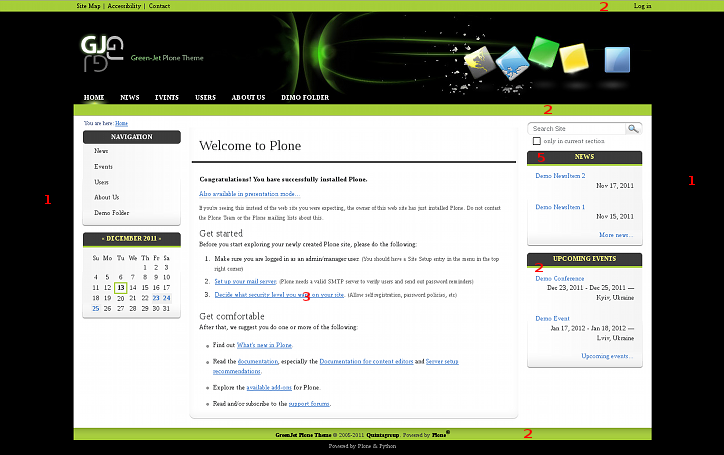
Available color-management fields include (see the following screenshot to see what property corresponds to what site section):
- body_bg_color skin background color, displayed on both sides from main site content area
- secondary_color upper top, top and bottom area color, color of a border between portlet header and portlet body
- links_color color of links on site
- hover_links_color color of links when hovering
- portlet_header_bg_color portlet header background color
- top_bg_color color of top header (seen when small top image is used)
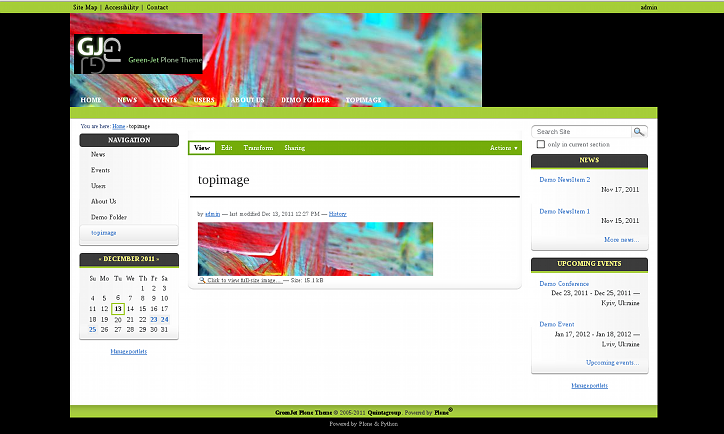
Having specified new theme colors you can make the theme look quite different from the default look. If applied together with replaced top image, GreenJet theme can have the following look.
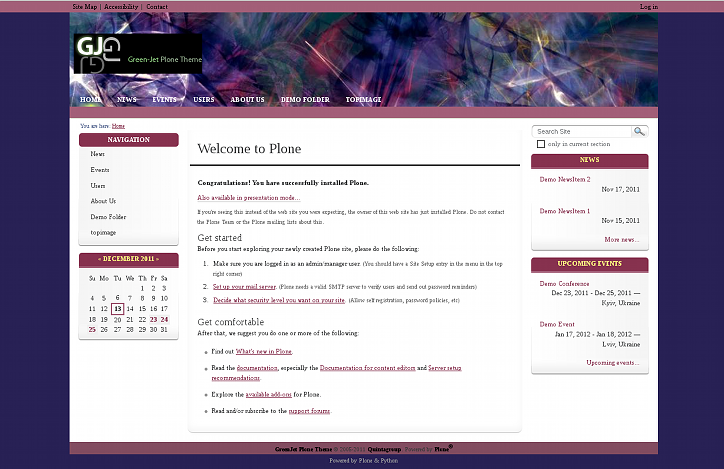
Used colors are: body_bg_color #282155, secondary_color #A35F78, links_color and portlet_header_bg_color #87324F.