
To access your instance Zope Management Interface (ZMI) you need to go to the Instance section of your Quintagroup Control Panel
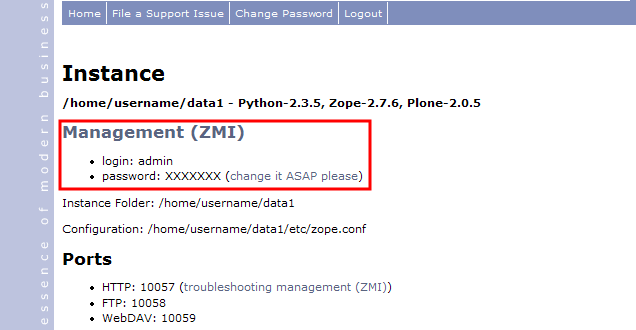
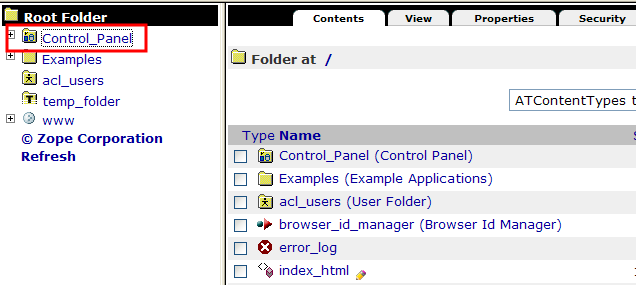
With aforementioned login/password - login to the root folder of Zope Management Interface (http://username.quintagroup.com/manage) and open Control Panel folder
Click the Restart button to have the products you've uploaded installed by the system
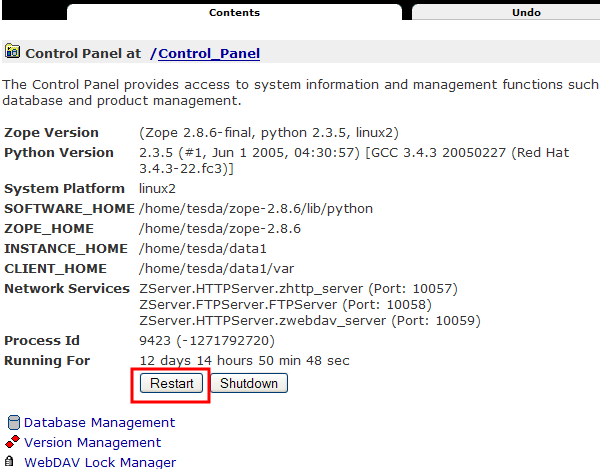
How to Restart your Zope Instance via ZMI
Plone Tutorial about restarting Zope Instance via Zope Management Interface.
Connect with our experts Let's talk