
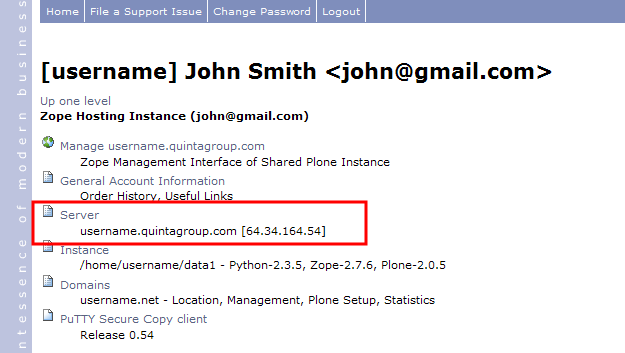
To have access to your Zope Instance you need to know your SSH login/password. To get theme - first log in to Quintagroup Plone hosting account. Then go to Quintagroup Control Panel and click Server folder :
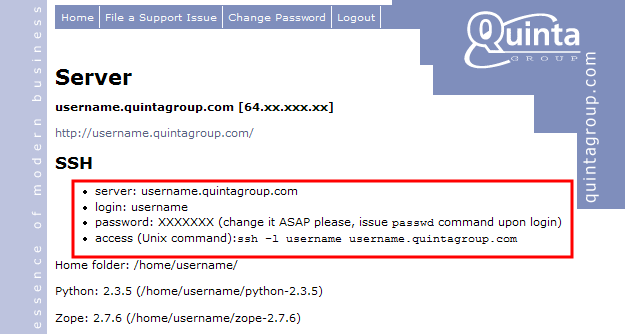
Copy your personal SSH information:
Now that you have the necessary server/login/password, you may login to your Zope Instance with SSH login/password you just got.