To begin, you've got to log in to your Quintagroup Plone Hosting Account (personal customer area) at https://my.quintagroup.com/username with login name and password that were e-mailed to you.
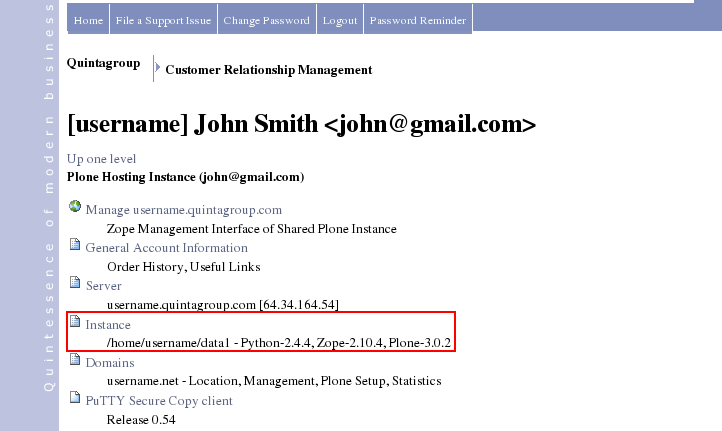
Click the Instance folder:
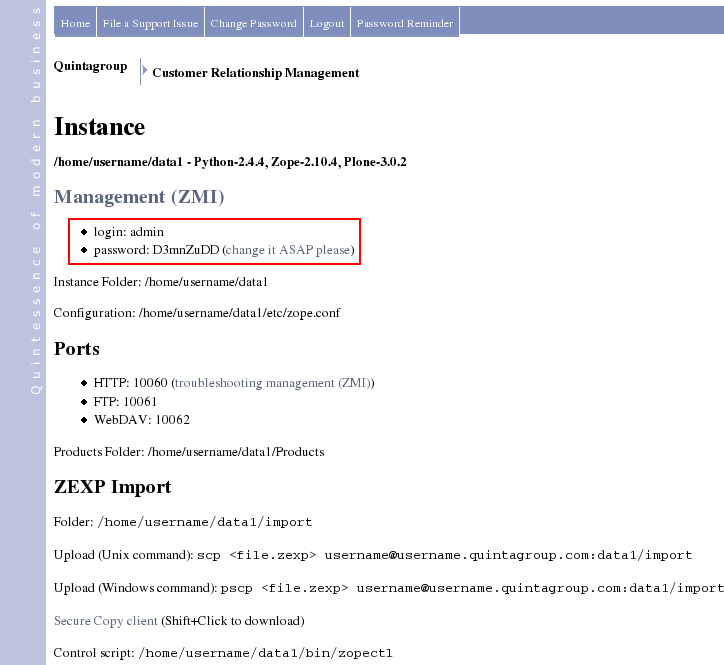
Here you will find login and password to get to your instance - http://username.quintagroup.com/manage. Your Plone Site is at http://username.quintagroup.com/www.