
This is an example of how to create a new POP3 email account john.smith@example.com in Thunderbird.
- Prerequisite: john.smith@example.com email is added in MailManager and password is set up
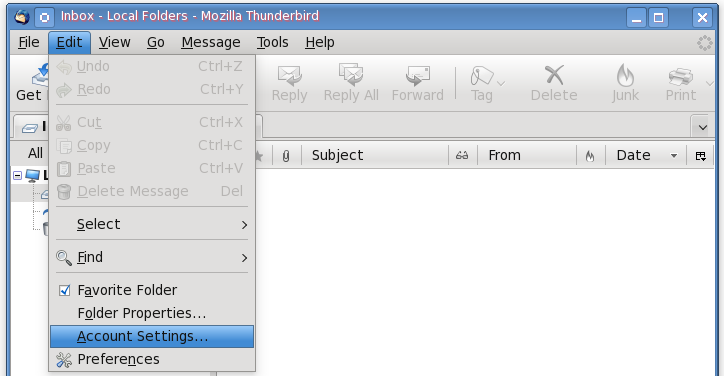
Open Thunderbird Mail User Agent, open Edit drop-down menu and select Account Settings:
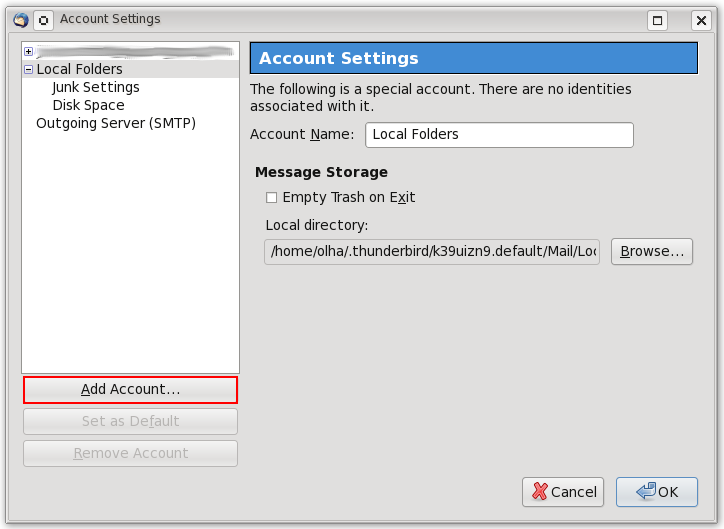
In the opened window - press Add Account... button:
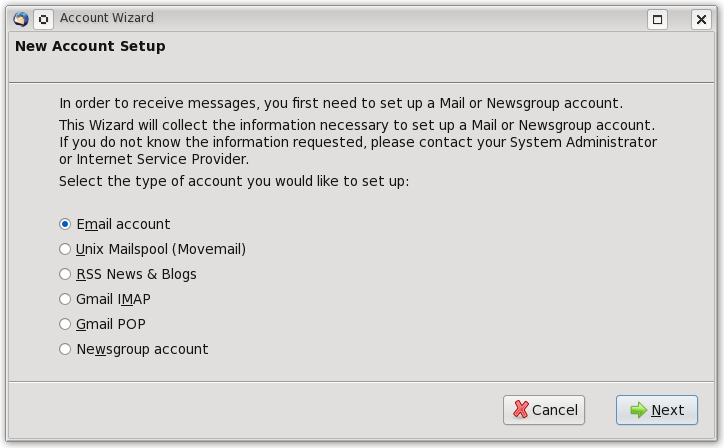
In the Account Wizard specify that you will be adding a new Email account:
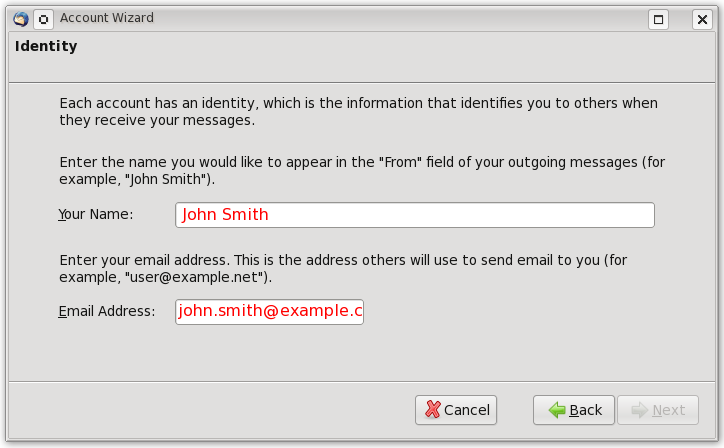
Provide your name and email address you will be using:
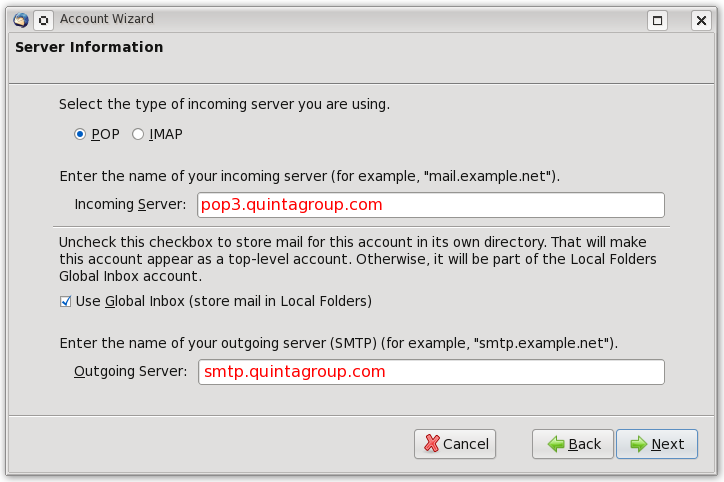
Select server type (POP) that your email account will work with and enter the name of your incoming server:
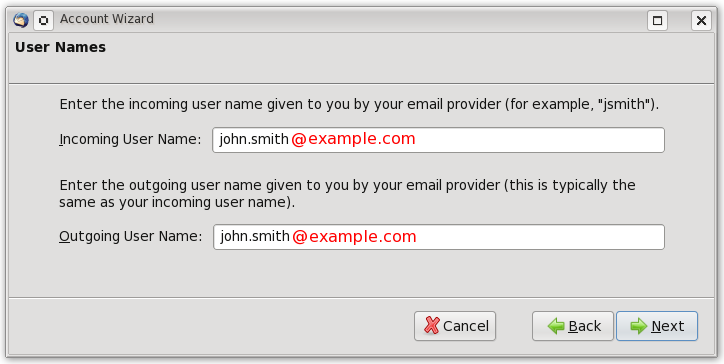
Type your incoming and outcoming user names:
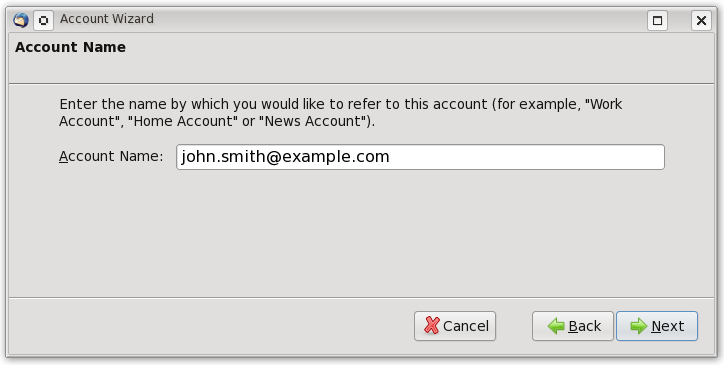
Provide your Account Name
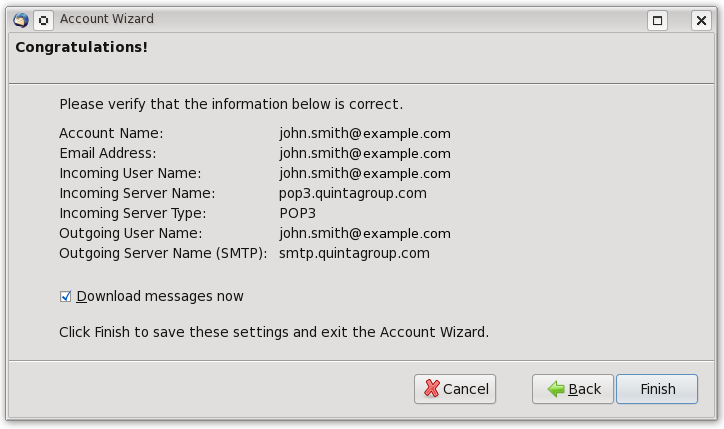
That's all! A new email account has been successfully created. Press Finish.
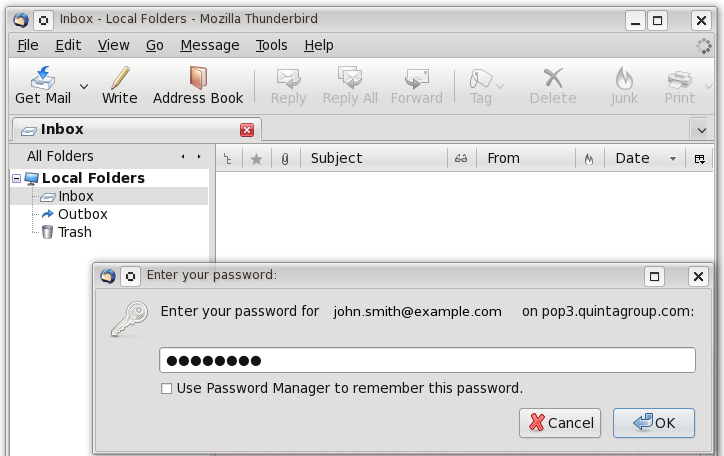
The only thing left - is to provide your email password:
Secure Connection
If you want to make sure your emails are sent/received via secure protocol - see instruction for setting up Secure connection in Thunderbird.