The following tutorial covers managing Brio Plone 4 Theme standard and below content portlets on a Plone 4 website.
Brio Plone Theme can contain portlets in different site parts: top area portlets, footer portlets, standard Plone left & right portlet columns and portlets below content.
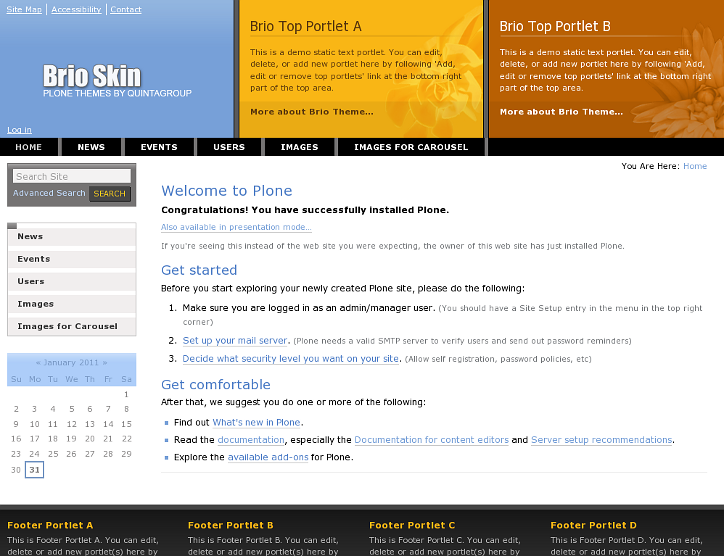
This is how Brio theme could look like with left portlet column:
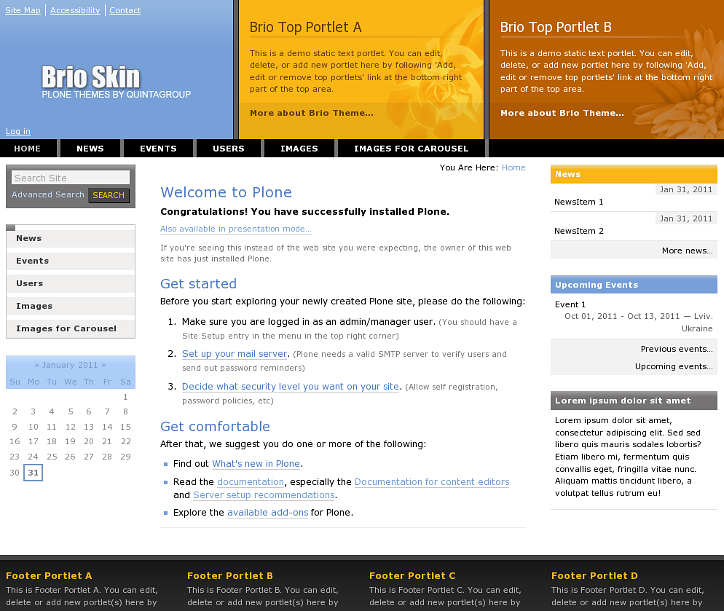
And with left and right portlet columns. Notice News and Events portlets with colored portlet header.
Also pay attention to the search options. To make navigation more convenient we offer to place search near the navigation portlet. Simply choose "Search" from any "Add portlet..." drop-down menu and you will have nicely styled search portlet anywhere on the website. We recommend to place it in the root of the website, so that all other pages can inherit this portlet.
Below Content Portlets
Brio Plone Theme allows adding portlets below content in 2 rows.To manage those portlets - follow Add, edit or remove a portlet below the content below site content area:
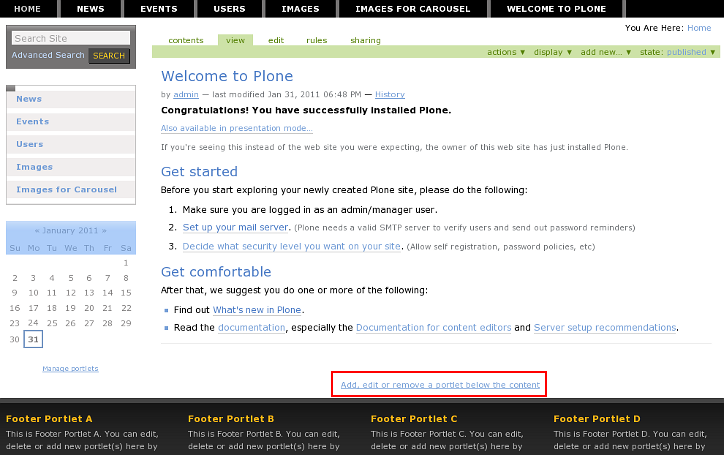
You will be able to add portlets into 2 rows, by three in a row. Any types of portlets can be added below content:
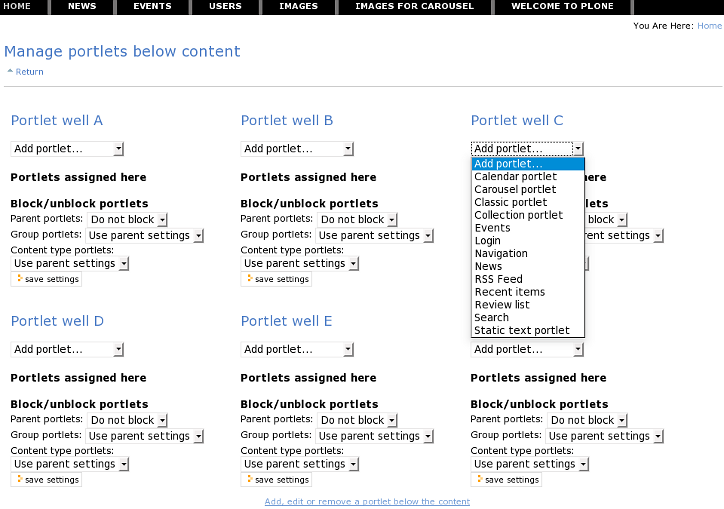
In case right portlet column includes no portlets - below content portlets will be located by 3 in a row.
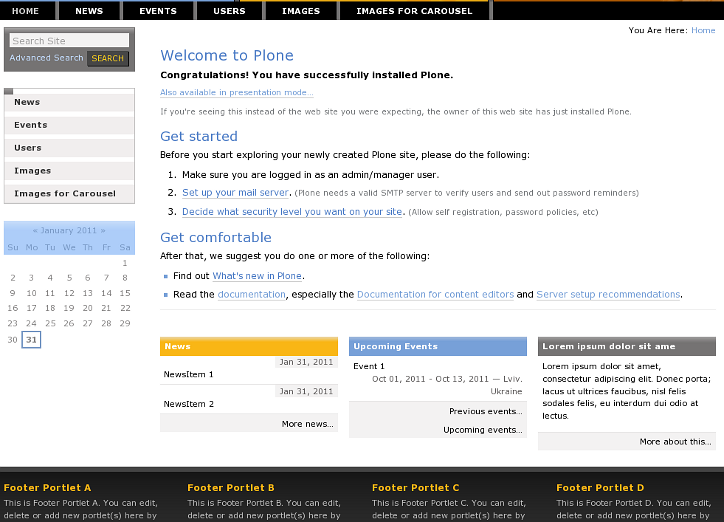
In case right portlet column includes some portlets - below content portlets will be located by 2 in a row.